Key takeaways
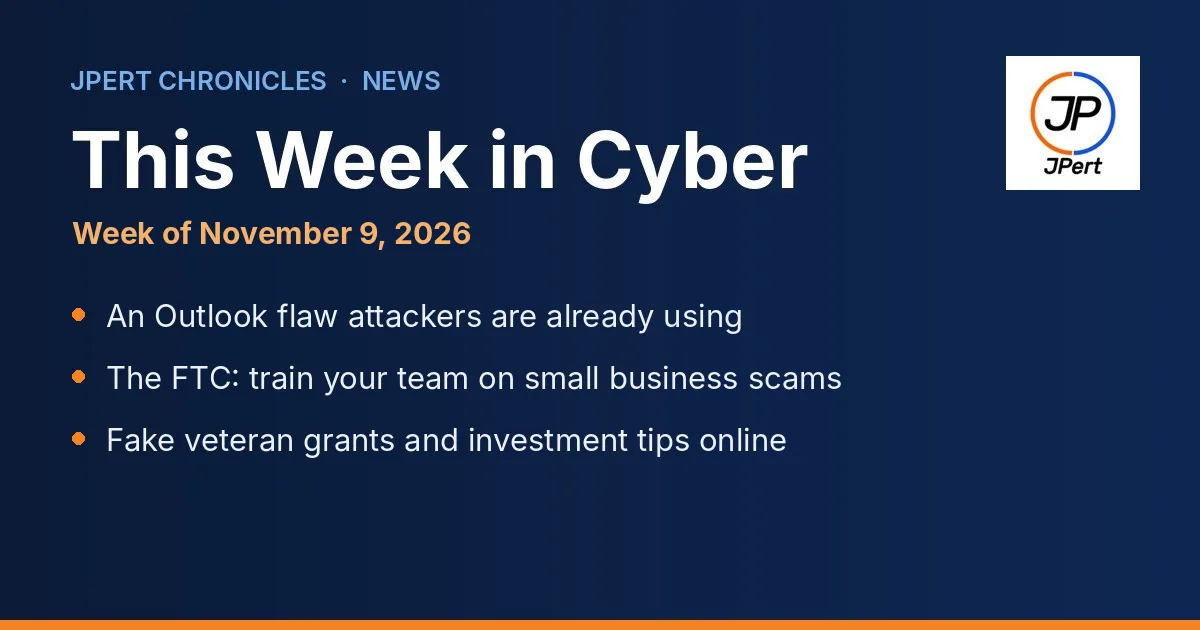
Microsoft’s November updates fix an Outlook flaw that Microsoft says attackers are already using. Install Windows and Office updates this week and restart.
The FTC is urging small businesses to train their teams on common scams, from fake invoices to tech support calls. Its free guide makes a good 15-minute staff meeting.
Scammers are targeting veterans on social media with fake grants and investment “tips.” Share the warning with veterans on your team and in your community.
This Week in Cyber is our weekly briefing for Northern Virginia businesses and nonprofits. We pick the few stories that matter most to a small office, explain them in plain language, and give you one thing to do for each. This week: one update that matters to almost every office using Microsoft 365, and two scam warnings timed to Veterans Day.
1. Attackers are using an Outlook flaw, and Microsoft has a fix
What happened: On November 10, Microsoft released its monthly security updates, including updates for Microsoft 365 Apps and Office 2019, 2021 and 2024 that fix 20 Outlook flaws (Microsoft Office security release notes). One of them, tracked as CVE-2026-124194, is a flaw Microsoft has marked as exploited, meaning attackers were using it before the fix came out, as the Zero Day Initiative and The Register both reported (Microsoft advisory; Zero Day Initiative review; The Register). An attacker sends a booby-trapped message file and gets someone to open it. Outlook then quietly connects to the attacker’s server without its usual warning and hands over a scrambled copy of the user’s Windows sign-in, which the attacker can use to sign in as that person. The Zero Day Initiative notes that just previewing the message is not enough; someone has to open it.
Why it matters to you: Many small offices and nonprofits run Outlook on Windows. A stolen sign-in can open the door to email, files and shared drives. This month’s update is also unusually large, with more than 1,000 fixes across Microsoft products, so computers that skip it fall behind on a lot at once.
Do this: Make sure every Windows computer installs this month’s updates and restarts. In Outlook, open File, then Office Account, then Update Options, and click Update Now. Until everyone is updated, remind staff not to open message files or attachments they were not expecting, even from a familiar name. On a managed IT plan, these updates are pushed and checked for you, and our Microsoft 365 team can confirm every computer has them.
2. The FTC’s advice for small businesses: train your team
What happened: On November 5, for National Veterans Small Business Week, the Federal Trade Commission said an “informed workforce” is a small business’s best defense against scammers (FTC alert). It pointed owners to its free guide, Scams and Your Small Business, which covers fake invoices, business and government impersonators, tech support scams, phishing and ransomware, and more (FTC guide).
Why it matters to you: Most of these scams don’t break in through technology. They talk someone into paying a bill, sharing a password or letting a “technician” take over a computer. The guide’s advice is simple: set clear approval steps for invoices and payments, treat requests for wire transfers, cryptocurrency or gift cards as a warning sign, and don’t trust caller ID.
Do this: Put 15 minutes on your next staff meeting agenda and walk through the guide together. Agree on one rule everyone follows, such as “any change to payment details gets a phone call to a number we already have.” Report scams at ReportFraud.ftc.gov. Ongoing security awareness training keeps these habits fresh.
3. Fake veteran grants and investment “tips” on social media
What happened: For Veterans Day on November 10, the FTC warned that scammers are using details from veterans’ social media profiles, such as military history and photos, to send messages about fake grants. They pose as the Department of Veterans Affairs and send people to fake websites to “qualify,” with the real goal of getting a Social Security number or VA.gov sign-in. Others run flashy video ads with fake profiles and military jargon, promising fellow veterans a guaranteed way to beat the stock market (FTC alert).
Why it matters to you: Many Northern Virginia businesses and nonprofits employ or serve veterans. The FTC is clear: the VA will never message you on social media, and no investment is guaranteed.
Do this: Share this warning with veterans on your team and, if you are a nonprofit that serves veterans, with the people you serve. Check any benefit offer directly at VA.gov, and report scams aimed at veterans at VSAFE.gov. Our nonprofit IT page has more on protecting the people you serve.
Your one-minute checklist for this week
Install this month’s Windows and Office updates on every computer, then restart.
Remind staff not to open message files or attachments they weren’t expecting.
Book 15 minutes to walk your team through the FTC’s small business scam guide.
Share the veteran scam warning with veterans on your team.
Want to see where your office stands overall? Try our free Cyber Safety Checklist. It takes about five minutes.
Sources
Microsoft, Release notes for Microsoft Office security updates (November 10, 2026).
Microsoft Security Response Center, CVE-2026-124194, Microsoft Outlook Spoofing Vulnerability (November 10, 2026).
Zero Day Initiative, The November 2026 Security Update Review (November 10, 2026).
The Register, November Patch Tuesday boasts over 1,000 bugs but only one zero-day so far (November 10, 2026).
Federal Trade Commission, Help veteran-owned small businesses avoid scams during National Veterans Small Business Week (November 5, 2026).
Federal Trade Commission, Scams and Your Small Business: A Guide for Business.
Federal Trade Commission, A Veterans Day reminder on how to spot scams on social media (November 10, 2026).
Researched, fact-checked and approved by Umair Akhtar, Founder & President, JPert INC. Every fact above links to its official source. Spot an error? See our editorial policy and corrections page.
JPert supports organizations across Tysons, Vienna, McLean, Reston, Herndon, Fairfax, Falls Church, Ashburn, Sterling, and Leesburg.
Want This Week in Cyber in your Google results? Add JPert as a preferred source.