Key takeaways
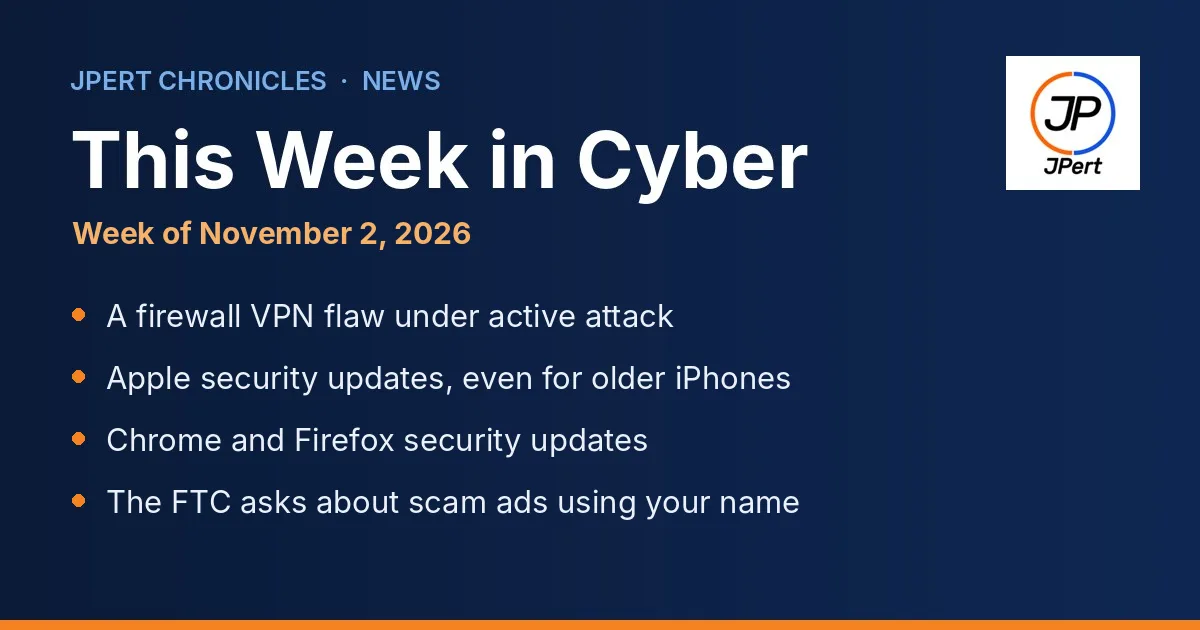
Attackers are using a flaw to knock Cisco firewalls offline through their remote access VPN. If your office uses one, confirm it has been updated.
Apple fixed a flaw that may have been used in targeted attacks, with updates even for some older iPhones. Update every phone and Mac used for work.
Chrome and Firefox both shipped security updates. The FTC also wants to hear from organizations whose names show up in scam ads, by November 30.
This Week in Cyber is our weekly briefing for Northern Virginia businesses and nonprofits. We pick the few stories that matter most to a small office, explain them in plain language, and give you one thing to do for each. This week is mostly about updates: one for the firewall that protects your office, and a few for the devices your team uses every day.
1. Attackers are knocking a popular office firewall offline
What happened: On October 28, Cisco warned about a flaw, tracked as CVE-2026-76418, in the remote access VPN feature of its Secure Firewall ASA and Secure Firewall Threat Defense software (Cisco advisory). An attacker does not need a password. By sending a crafted request to the VPN login page, they can force the firewall to restart. It affects firewalls that have the SSL remote access VPN turned on and a second sign-in check (what Cisco calls secondary authentication) set up. Cisco says it became aware of active exploitation in October. On October 29, CISA, the federal cybersecurity agency, added the flaw to its list of vulnerabilities that attackers are actively exploiting (CISA catalog update; Canadian Centre for Cyber Security summary).
Why it matters to you: When the firewall restarts, everyone working remotely loses their connection, and the office can lose its internet connection too. An attacker can repeat it. Cisco says there is no workaround that fixes the flaw. Its temporary fix is to turn off the second sign-in check, which makes the VPN less secure, so Cisco recommends updating the firewall software instead.
Do this: If your office uses a Cisco firewall for remote access, ask whoever manages it: “Is our firewall on a fixed software version from Cisco’s October 28 advisory?” If you use a different brand, ask a simpler question: “When was our firewall’s software last updated?” Firewalls are easy to forget because they sit quietly in a closet. Our network and Wi-Fi team keeps firewalls and remote access updated.
2. Apple fixed a flaw that may have been used in attacks, including on older iPhones
What happened: On October 26, Apple released iOS 27.2, iOS 26.7.2 and iOS 18.7.11, matching iPadOS versions, and updates for macOS (Apple security releases). One fix is for a flaw in CoreGraphics, the part of the system that draws images and PDFs, where opening a booby-trapped file could let an attacker run their own code (CVE-2026-86950). Apple said it is aware of a report that the issue “may have been exploited in an extremely sophisticated attack against specific targeted individuals” on versions before iOS 27 (Apple advisory). The iOS 18.7.11 update covers older devices: iPhone XS, iPhone XS Max, iPhone XR and iPad 7th generation.
Why it matters to you: Phones hold work email, files and the sign-in apps that protect your accounts. Flaws first used against a few targets often spread to wider attacks once the details are public.
Do this: Ask everyone who uses a phone or iPad for work, including personal phones, to open Settings, then General, then Software Update, and install the latest version. Turn on automatic updates while you are there. On Macs, open System Settings and check Software Update.
3. Chrome and Firefox both shipped security updates
What happened: On October 27, Google released Chrome version 156.0.8078.73 and .74 for Windows and Mac (Chrome release notes). The same day, Mozilla released Firefox 159 with fixes for many security flaws, a large number of them rated high (Mozilla advisory). Neither company has said these flaws are being exploited.
Why it matters to you: The web browser is where your team opens email links, signs in to banking and uses most business apps. A browser that is weeks behind on updates is one of the easiest ways in.
Do this: In Chrome, open the three-dot menu, then Help, then About Google Chrome, and click Relaunch if it asks. In Firefox, open the menu, then Help, then About Firefox. Browsers usually update on their own, but only after a restart, so ask staff to close and reopen them today. On a managed IT plan, updates like these are pushed and checked for you.
4. The FTC wants to hear about scam ads that copy your name
What happened: On November 2, the Federal Trade Commission asked the public about scam ads that impersonate well-known businesses and government agencies on social media, search engines and shopping sites (FTC alert). The FTC is considering whether to update its Impersonation Rule or write a new one. It asks whether platforms should check advertisers and ads before they run, give people a way to report impersonation ads, and investigate and remove ads that turn out to be scams. This is an early step, not a final rule. Comments are due November 30, 2026 (Federal Register notice).
Why it matters to you: A fake ad using your business or nonprofit name can send customers or donors to a scammer, and they will blame you. If it has happened to you, your experience is exactly what the FTC is asking for.
Do this: Search your organization’s name on the big social and search sites and look for ads you did not run. Report any you find to the platform and at ReportFraud.ftc.gov. If scam ads have copied your name, consider sharing what happened through the comment link in the Federal Register notice before November 30. Our nonprofit IT page has more on protecting donor trust.
Your one-minute checklist for this week
Ask whoever manages your firewall to confirm its software is up to date.
Update every phone, iPad and Mac used for work, and turn on automatic updates.
Restart Chrome and Firefox so their updates install.
Search your organization’s name for scam ads, and report any you find.
Want to see where your office stands overall? Try our free Cyber Safety Checklist. It takes about five minutes.
Sources
Cisco, Cisco Secure Firewall ASA and FTD Software Remote Access SSL VPN Tunnel Denial of Service Vulnerability (October 28, 2026).
CISA, CISA Adds Two Known Exploited Vulnerabilities to Catalog (October 29, 2026).
Canadian Centre for Cyber Security, Cisco security advisory (AV26-1102) (October 29, 2026).
Apple, About the security content of iOS 18.7.11 and iPadOS 18.7.11 (October 26, 2026), and Apple security releases.
Google, Stable Channel Update for Desktop (October 27, 2026).
Mozilla, Security Vulnerabilities fixed in Firefox 159 (MFSA 2026-118) (October 27, 2026).
Federal Trade Commission, Tell the FTC about imposter ads online (November 2, 2026).
Federal Trade Commission, Rule on Impersonation of Government and Businesses, advance notice of proposed rulemaking (Federal Register, October 1, 2026).
Researched, fact-checked and approved by Umair Akhtar, Founder & President, JPert INC. Every fact above links to its official source. Spot an error? See our editorial policy and corrections page.
JPert supports organizations across Tysons, Vienna, McLean, Reston, Herndon, Fairfax, Falls Church, Ashburn, Sterling, and Leesburg.
Want This Week in Cyber in your Google results? Add JPert as a preferred source.